
Company workspace
SINTETIKO WorkspaceYour company's mail, chat, CRM and finance in one place.
Stop switching between a dozen tools. SINTETIKO Workspace brings the apps your team uses every day into one workspace, with one search across all of them, on the web and on iPhone.
- Web
- iPhone
Opens an email to hi@sintetiko.com. We reply within one business day.
The real SINTETIKO Workspace, with a sample company
The demo is built for a larger screen. Open it full screen, or come back on a computer.
Always the latest version we have shipped.
What you can try
Concrete things to do in the demo. Each one works with the sample data.
- 01Press Cmd+K or click the search bar and look for "Orbital": results come grouped by app.
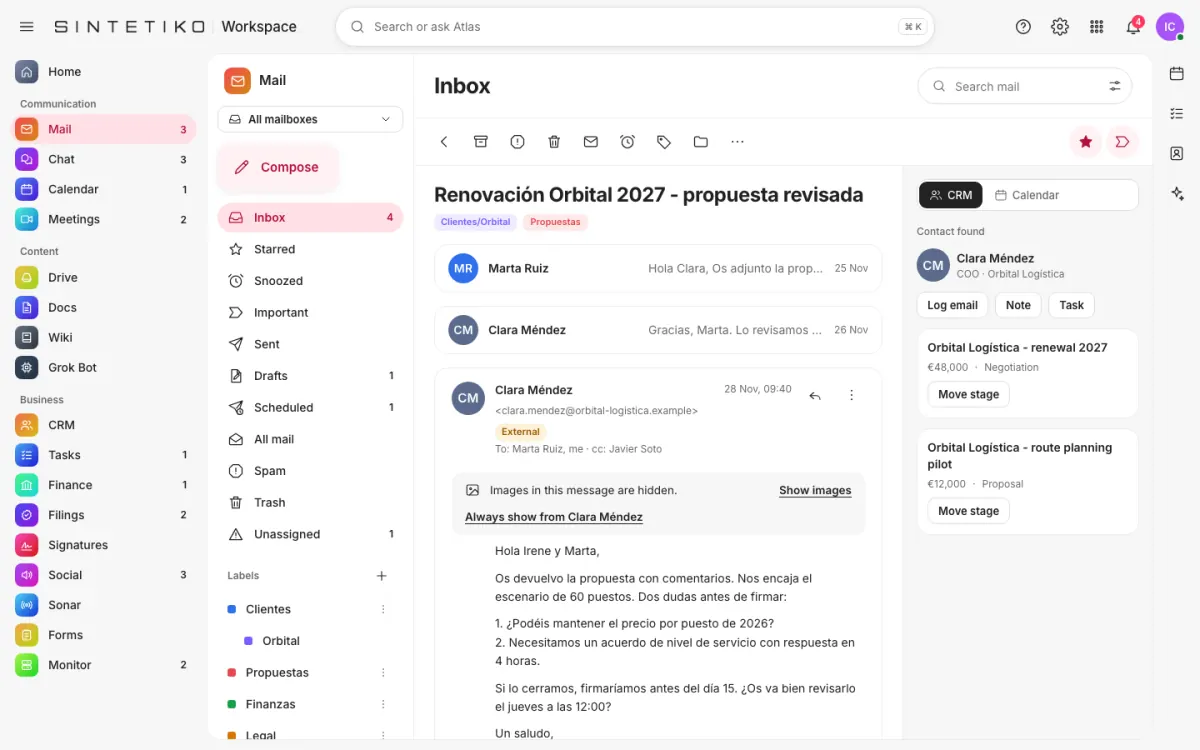
- 02Open Clara Méndez's email about the Orbital renewal, see the customer's CRM record beside it and send a quick reply.
- 03Open CRM, go to Deals and switch between the board and the table.
- 04Open Finance to see treasury, EBITDA and VAT for the sample company.
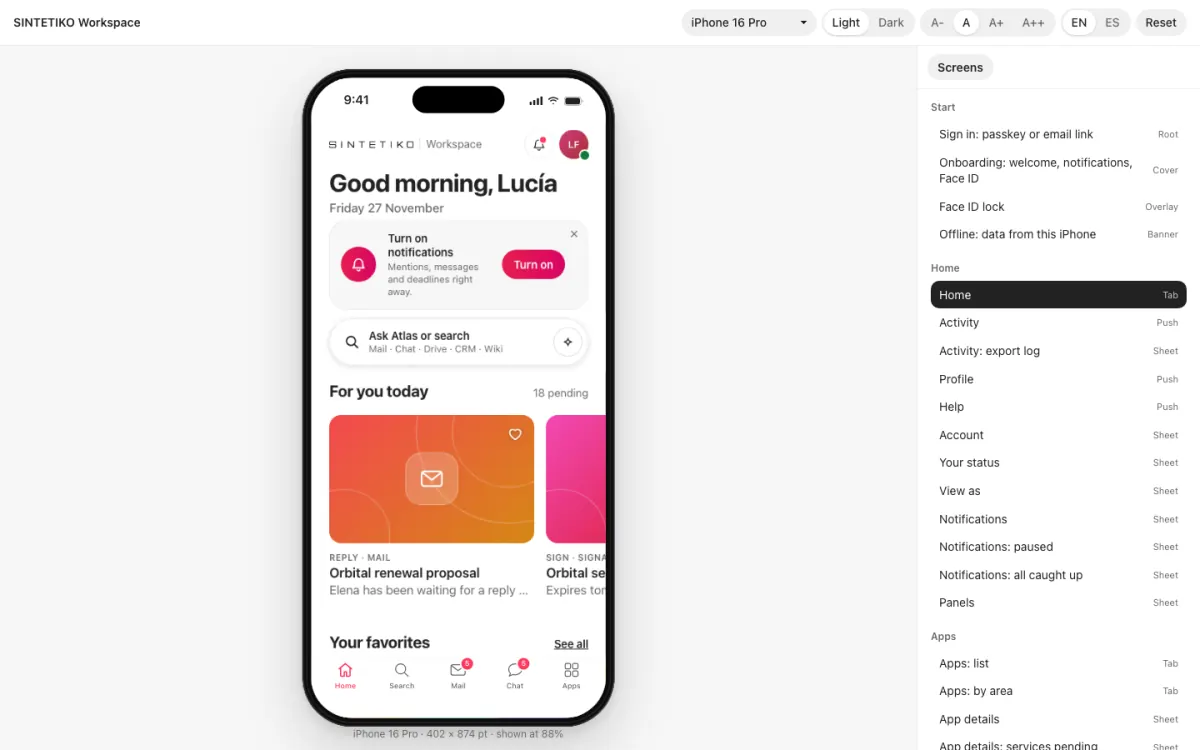
- 05Switch to iPhone, open Elena Varga's budget thread in Mail and then the company record.
- 06Change the language in Settings, or the device, theme and text size in the iPhone simulator.
How it works
19 apps, one set of data
Mail, chat, calendar, meetings, drive, docs, wiki, CRM, tasks, finance, filings, signatures, forms and more work on the same information.
Context where you work
Open an email and the customer's record is right beside it. No copying between tabs.
One search for everything
Atlas searches mail, chat, drive, CRM, wiki and the other apps from one box.
Web and iPhone
The iPhone app has the same apps as the web. The iPhone demo mirrors app version 0.4.0, screen by screen.
Who it is for
Owners and operations leads at small and mid-sized companies who run the business across email, spreadsheets, a CRM and a bank portal, and want one place where the whole team sees the same information.
Questions
Is this real data?
No. The demo is the real product interface, filled with a sample company. Every person, message, document and figure in it is synthetic.
Can I change things?
Yes. Click, type, approve and send as you would in the product. Your changes stay in this browser, so you can come back to them. Use the demo's Reset control, or clear this site's data, to start again.
What happens to what I type?
It stays in your browser. The demo sends nothing you type to SINTETIKO or to anyone else: no email is delivered, nothing is bought and no account is created. Some demos load their fonts from Google Fonts.
Is the demo up to date?
Yes. This page always opens the latest version of the demo, so it changes when we ship the product.
How do I get it for my company?
Email hi@sintetiko.com with your team size and the tools you use today. We reply within one business day to tell you whether Workspace fits and how we would set it up for your company.
Want SINTETIKO Workspace in your company?
Tell us how your team works today. We reply within one business day with an honest answer on fit and next steps.
Opens an email to hi@sintetiko.com. We reply within one business day.
SINTETIKO products
- VamosAI teammates that work on a shared cloud computer.Try the demo
- SINTETIKO VaultYour documents, cards and secrets, used by agents without seeing them.Try the demo
- LexbotAI legal assistant in Spanish for lawyers in Spain, matter by matter.Try the demo
- SINTETIKO CAMDesign, simulate and program CNC turned parts in the browser.Try the demo